
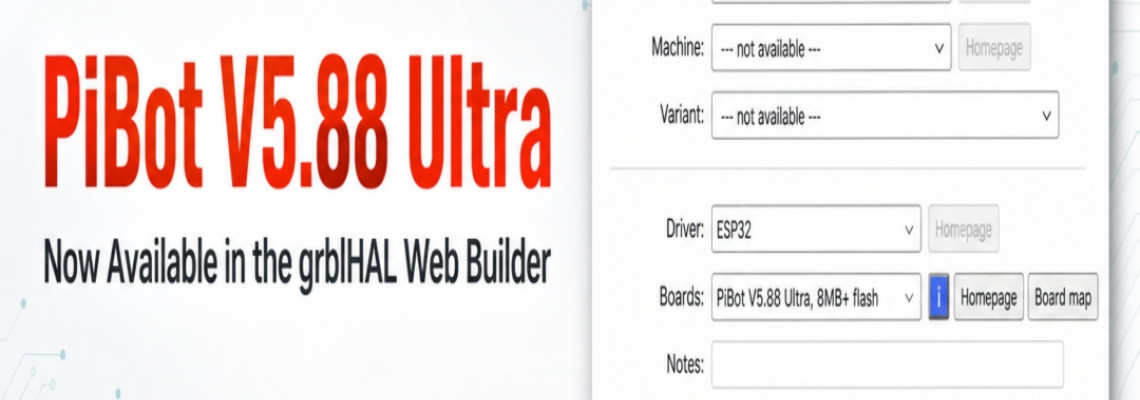
PiBot V5.88 Ultra Is Now Available in the grblHAL Web Builder
We’re pleased to announce that the PiBot V5.88 Ultra is now available in the official grblHAL Web Builder.
Users can now generate and download grblHAL firmware for the V5.88 Ultra directly from the browser—no local development environment or manual compilation is required.
How to Get the Firmware
Open the grblHAL Web Builder.
Select ESP32 under “Driver.”
Select PiBot V5.88 Ultra, 8MB+ flash under “Boards.”
Choose the features required for your machine.
Click Generate and download firmware.
Flash the downloaded firmware to your controller by following the appropriate firmware installation instructions.
The official board definition is also available in the grblHAL ESP32 repository on GitHub.
Documentation Update Coming Soon
Some descriptions on our product pages and Wiki may still state that grblHAL support is under development. We are updating these pages and will publish the revised instructions as soon as possible.
The board is currently marked Experimental in the Web Builder. We recommend backing up your existing settings and carefully verifying your configuration before using the firmware on a production machine.
Thank you to the grblHAL team and everyone who helped make support for the PiBot V5.88 Ultra possible. If you encounter any issues or have feedback, please contact PiBot Support.