Menu
Menu
Your Cart

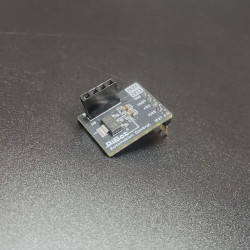
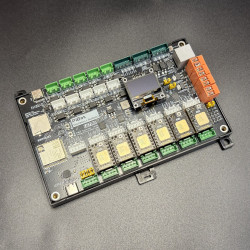
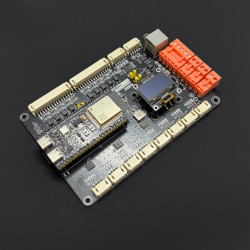
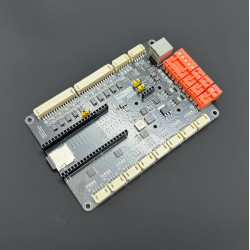
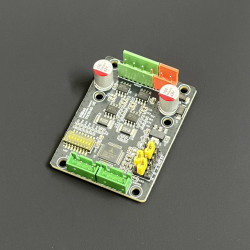
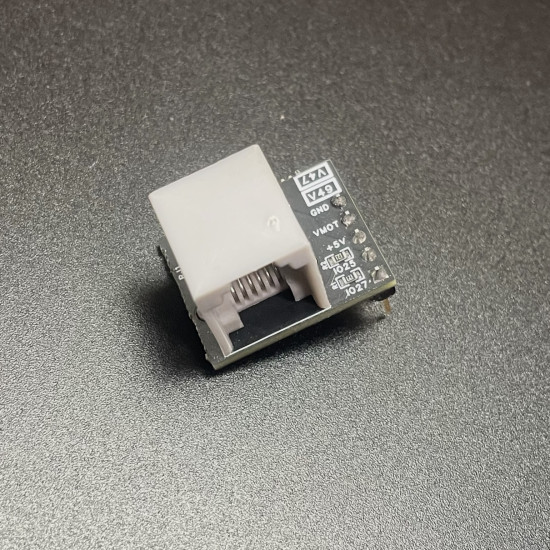
PiBot RJ12 Adapter V4.2

PiBot RJ12 Adapter V4.2
  • Stock: In Stock
  • Brand: PiBot
  • Weight: 0.11kg
  • SKU: PIRJM012B01
1948 samples sold
Product Views: 3175
$9.99
Ex Tax: $9.99
CURRENT HARDWARE · V4.2

Add a protected RJ12/UART path to PiBot 4.x

Connect a PiBot V4.96 Pro or V4.7B directly to Pendant V4.2, or place the adapter before an I/O Expander V5. The V4.2 board adds a physical RX/TX selection jumper for a clean, serviceable installation.

V4.96 Pro V4.7B Physical RX/TX selection Protected interface
PiBot RJ12 Adapter V4.2
SELECTABLE ROUTE
Physical RX/TX jumperKeep or exchange the two UART signal lines without modifying a verified cable.
SHORTEST PATH
Direct to Pendant V4.2Use the adapter as the controller-side RJ12 entry when only the Pendant needs UART.
EXPANDED I/O PATH
Before I/O Expander V5Route the controller through Adapter V4.2 to the Expander, then connect the Pendant downstream.
Power off before fitting. Remove controller USB and main power before moving a jumper or plugging an RJ12 cable. If a battery is installed in Pendant V4.2, move its side switch down so the 18650 cell is electrically disconnected before inserting RJ12.

Choose the connection path

Direct Pendant connection
V4.96 / V4.7BAdapter V4.2Pendant V4.2

The shortest route when only the Pendant uses the controller UART.

Through I/O Expander V5
V4.96 / V4.7BAdapter V4.2Expander V5Pendant

Use the Expander's From FluidNC Mainboard port on the controller side.

One UART path, one RX/TX correction

A current setup may offer several correction points: Adapter V4.2, Pendant V4.2, I/O Expander V5 or the ESP3D Swap RX TX setting. Use exactly one correction point on each UART path.

Adapter V4.2
Correct the controller-side route with the matching board diagram.
Pendant / Expander
Use their physical selection only when that is the chosen correction point.
ESP3D software
If software performs the swap, leave the physical path unswapped.
Two swaps cancel each other. Never move power or ground positions; only the verified RX and TX signal route may be exchanged.

Current V4.2 connection diagrams

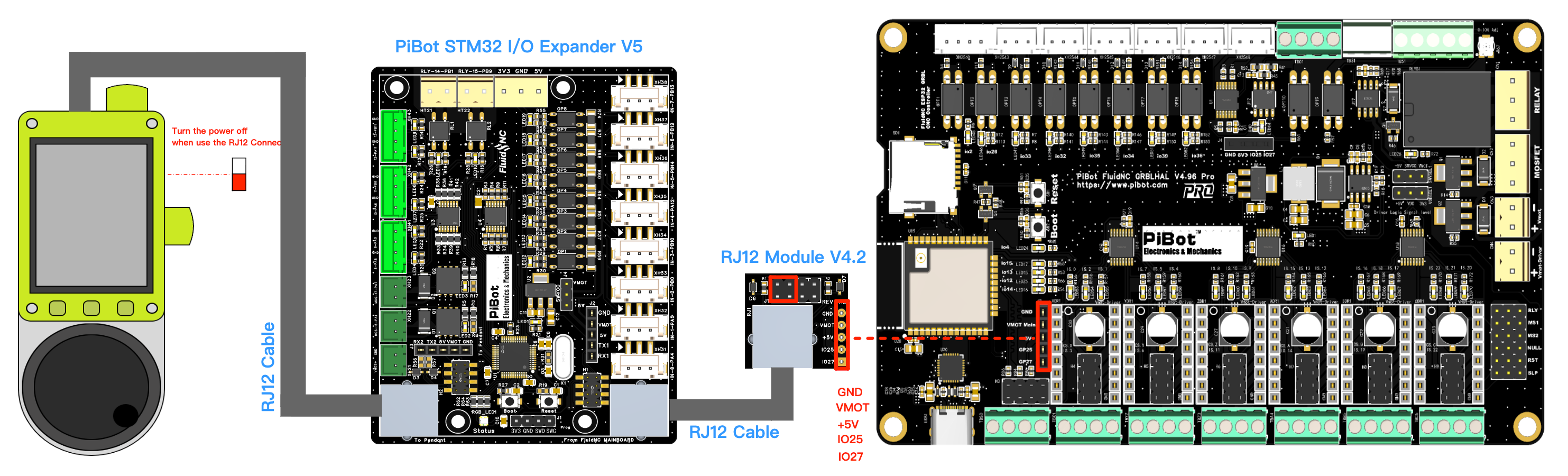
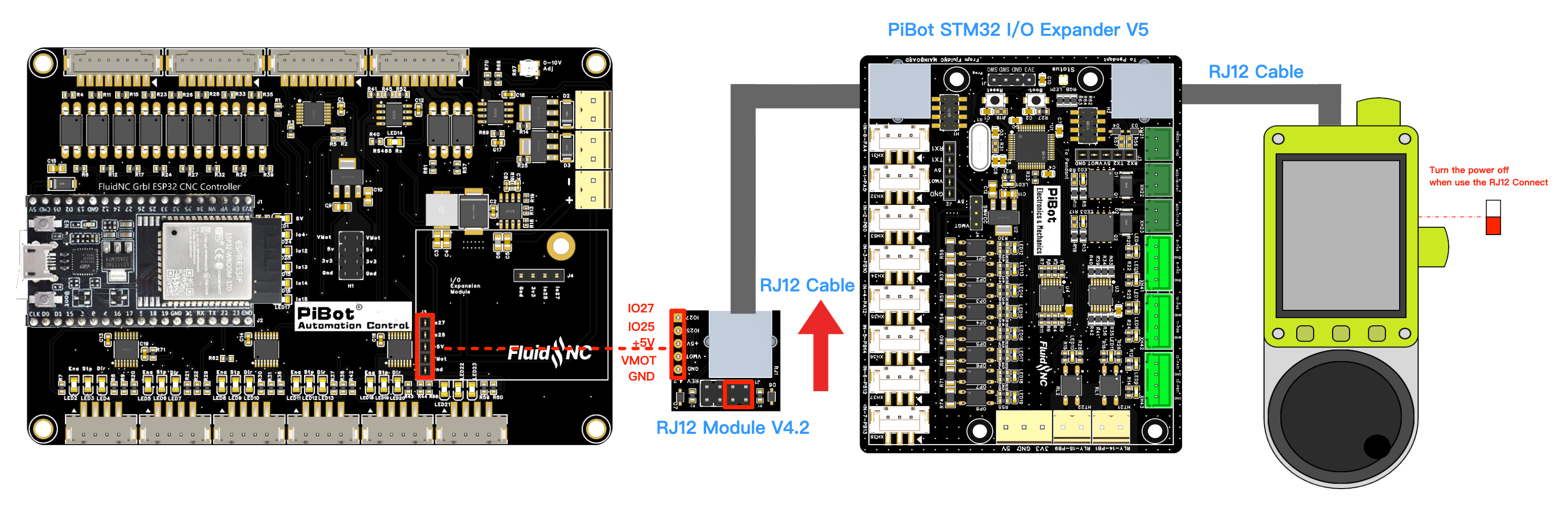
V4.96 Pro and V4.7B use different adapter jumper positions. Follow the red box in the diagram for the controller in front of you; click any image for the full-size drawing.
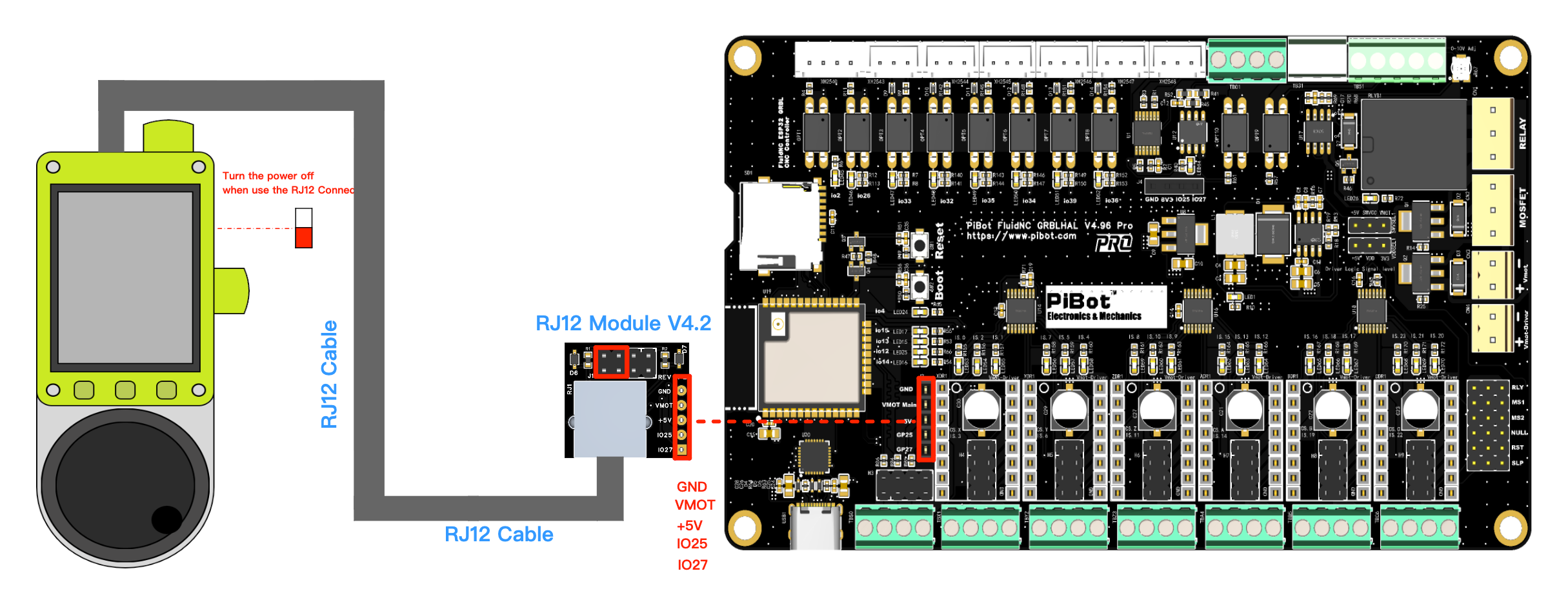
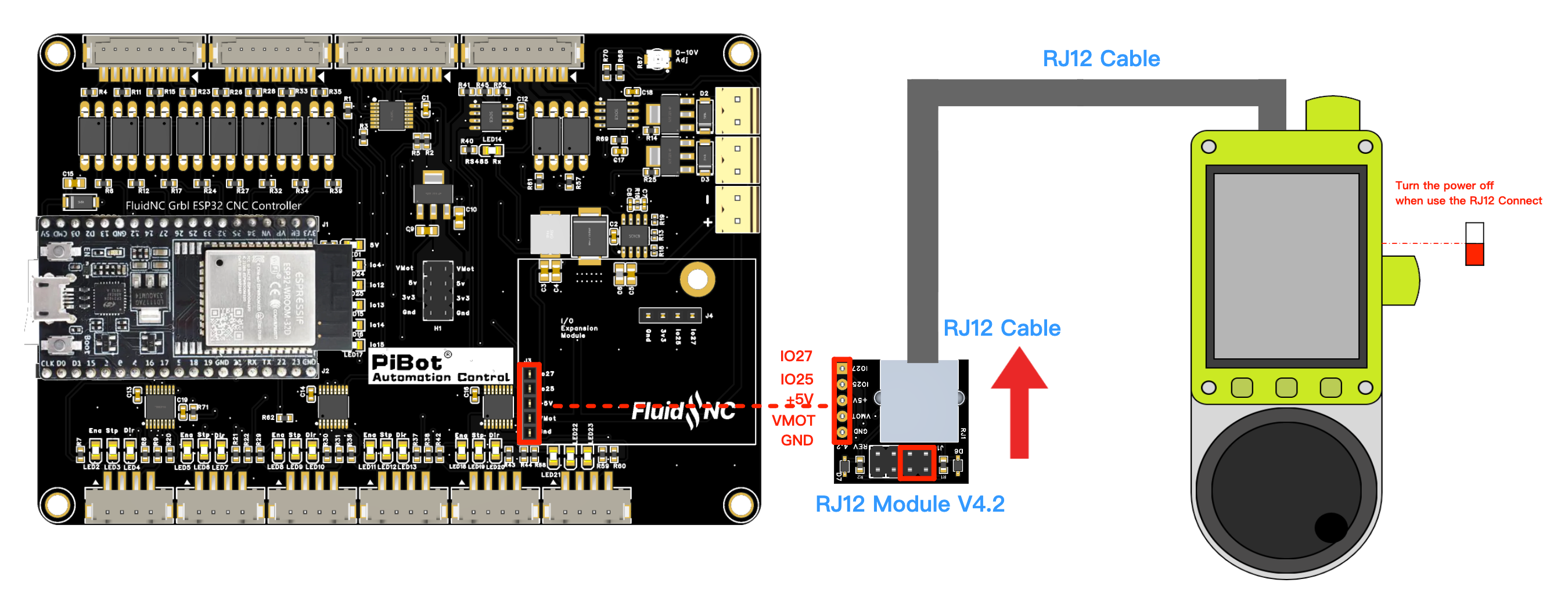
V4.96 Pro connected through RJ12 Adapter V4.2 to Pendant V4.2
V4.96 Pro → Pendant V4.2
Direct RJ12 path
V4.7B connected through RJ12 Adapter V4.2 to Pendant V4.2
V4.7B → Pendant V4.2
Direct RJ12 path
V4.96 Pro connected through RJ12 Adapter V4.2 and I/O Expander V5
V4.96 Pro → Expander V5
Pendant connected downstream
V4.7B connected through RJ12 Adapter V4.2 and I/O Expander V5
V4.7B → Expander V5
Pendant connected downstream
V4.96 Pro

Use the V4.96-specific red-box jumper position. UART2 is TX GPIO.27 / RX GPIO.25 and shares these pins with OLED, so OLED and RJ12 UART2 cannot be enabled together.

V4.7B

Use the different V4.7B-specific red-box jumper position. UART2 is also TX GPIO.27 / RX GPIO.25 and shares these pins with OLED.

Install and verify

1Power off
Disconnect USB, main power and the Pendant battery.
2Match the diagram
Use the V4.96 or V4.7B drawing and choose one RX/TX correction point.
3Connect the path
Use a verified PiBot RJ12 cable and the correct Expander port when applicable.
4Test communication
Verify stable keys/status or Expander data before enabling machine motion.
Need jumper positions, PASS/FAIL checks or troubleshooting?Open the complete PiBot RJ12 Adapter V4.2 guide before wiring.

Write a review

Please login or register to review

Shipping Notification

1. Global Standard (Excluding USA)

  • Rate: $7.99

  • Coverage: Worldwide (excluding the United States)

  • Features:
    Basic international shipping service.

    Customs clearance fees are not included, except for Canada & the United Kingdom, where DDP service is available.

    Free shipping(Orders over USD 116) is available only for Global Standard shipping and eligible destination.

    Not available in certain destinations, including Peru, Ukraine, Thailand, Norway, Israel, South Africa, etc.

2. Global Express (Excluding USA)

  • Rate: $27.99

  • Coverage: Worldwide (excluding the United States)

  • Carriers: DHL or FedEx or other agents

  • Key Benefit:
    DDP (Delivered Duty Paid) service is available for selected destinations. No import taxes or duties will be charged upon delivery when DDP is available.

    Selected destinations for DDP service: the EU countries, Norway, Switzerland, Ukraine,Thailand, etc.

    For some destinations (such as Peru, Israel, South Africa, and others), Global Standard is not available and only Global Express can be selected, import duties, VAT, and customs clearance charges may still apply. If you are unsure whether DDP is available for your destination, please contact us before placing your order.

3. USA Special Channel (Delivered Duty Paid)

  • Rate: $18.99

  • Coverage: United States only

  • Key Benefit:
    Includes all customs clearance fees and duties.